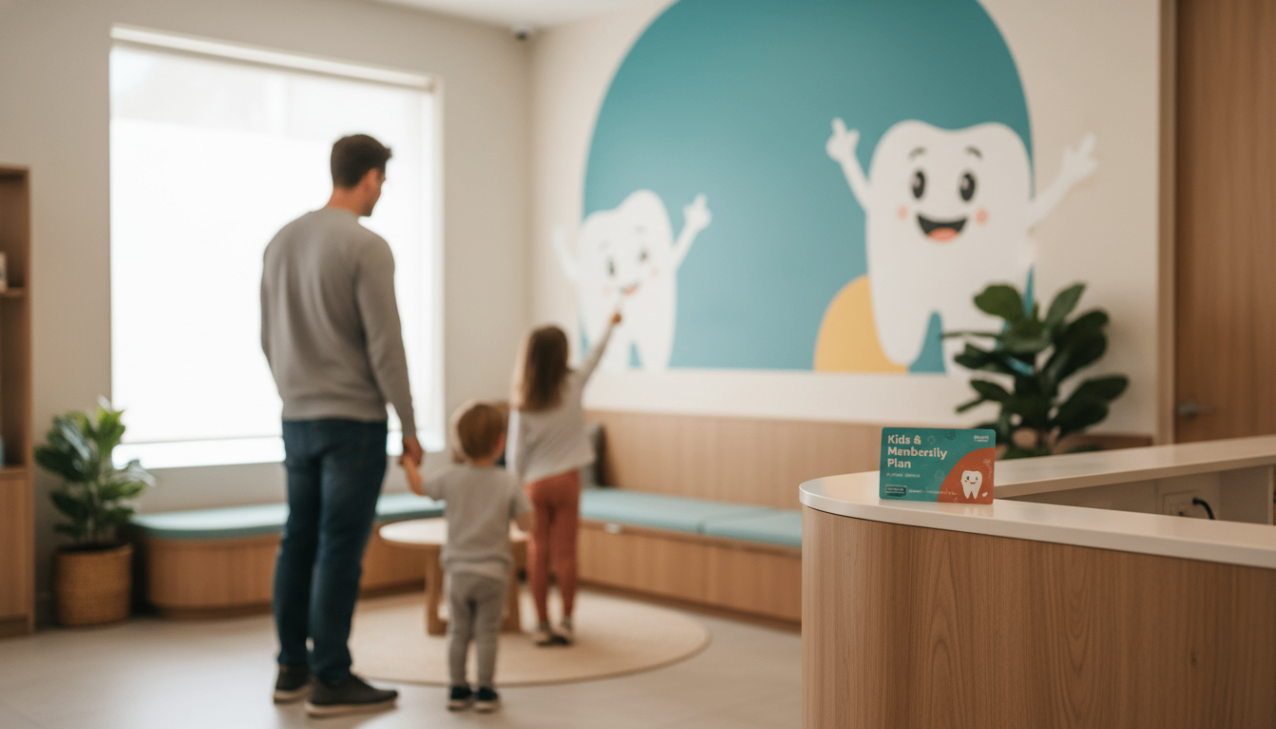
Launching a membership program raises one practical question above all: how should you structure the plans? This article is part of our series on membership segmentation — each guide takes a different way to organise your plans and shows you how to set it up inside SmilePass, step by step. Here we look at segmenting by household: one plan covering more than one person, at a per-head discount. For the full menu of approaches, see our main guide, Example Dental Membership Plans.
What you are building
In SmilePass, households are handled with a dependent discount rather than separate couple or family plans. You set one percentage; it applies to every dependent a patient adds and accumulates for the account holder, while each dependent also gets that percentage off their own membership. It lifts volume and retention — a whole family on one account is far less likely to leave.
One thing to set up first: the household discount is layered on top of an existing membership, not a plan in its own right. Put the account holder on one of your tiers — for example risk-based tiers or a good-better-best ladder — then apply the dependent discount on top.
Dependents added | Account-holder discount | Each dependent's discount |
|---|---|---|
1 | 10% | 10% |
2 | 20% | 10% |
3 | 30% | 10% |
Example with the per-dependent rate set to 10% in SmilePass. The percentage accumulates for the account holder (10% × 3 dependents = 30%) and each dependent gets it on their own membership — you choose the rate.
Who gets the discount?
Account holder — the primary member. Their membership discount grows with every dependent they add: at 10% each, three dependents means 30% off.
Dependents — partners, children or other family members added to the account. Each one gets the same percentage off their own membership.
Referral Program — a separate percentage you can switch on for members who refer friends; it applies per active referral for 12 months, and the referred friend gets the discount too.
Before you start
In SmilePass, household and dependent structures are configured under Custom Discounts & Code, where you set the Referral Program and Dependent Discounts. Decide your discount per additional member, how children are handled when they reach adulthood, and plan to bill the household to one payer so the admin stays simple.
Step by step in SmilePass
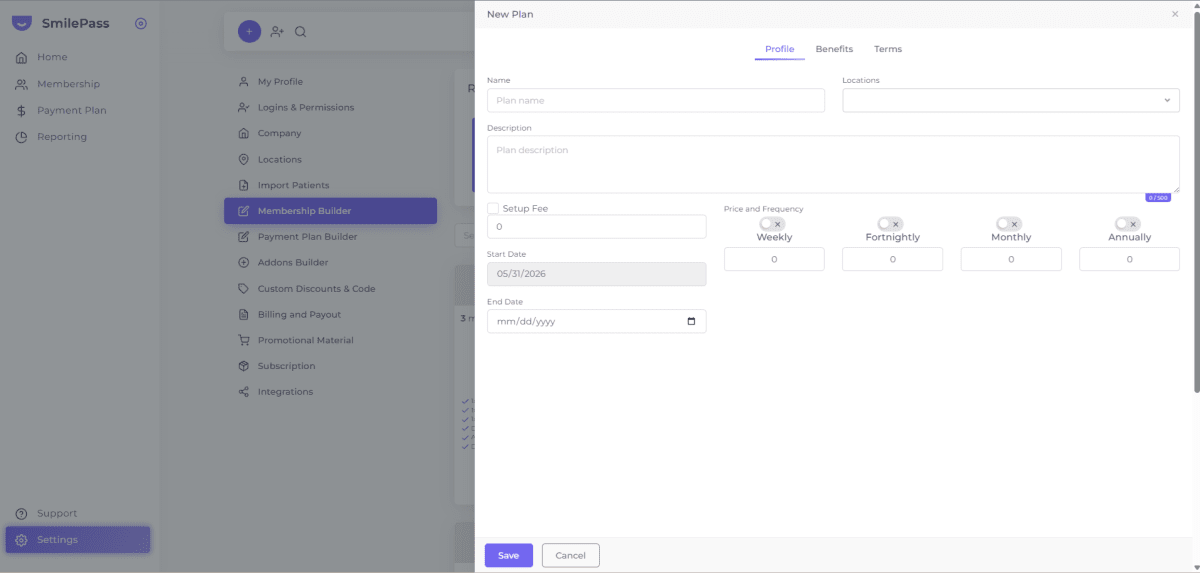
Choose the tier first. Decide which membership the account holder will be on — for example a risk-based tier or a good-better-best ladder — and build or select it in Settings then Membership Builder. The household discount applies on top of that plan.
Open dependent discounts. Go to Settings then Custom Discounts & Code.
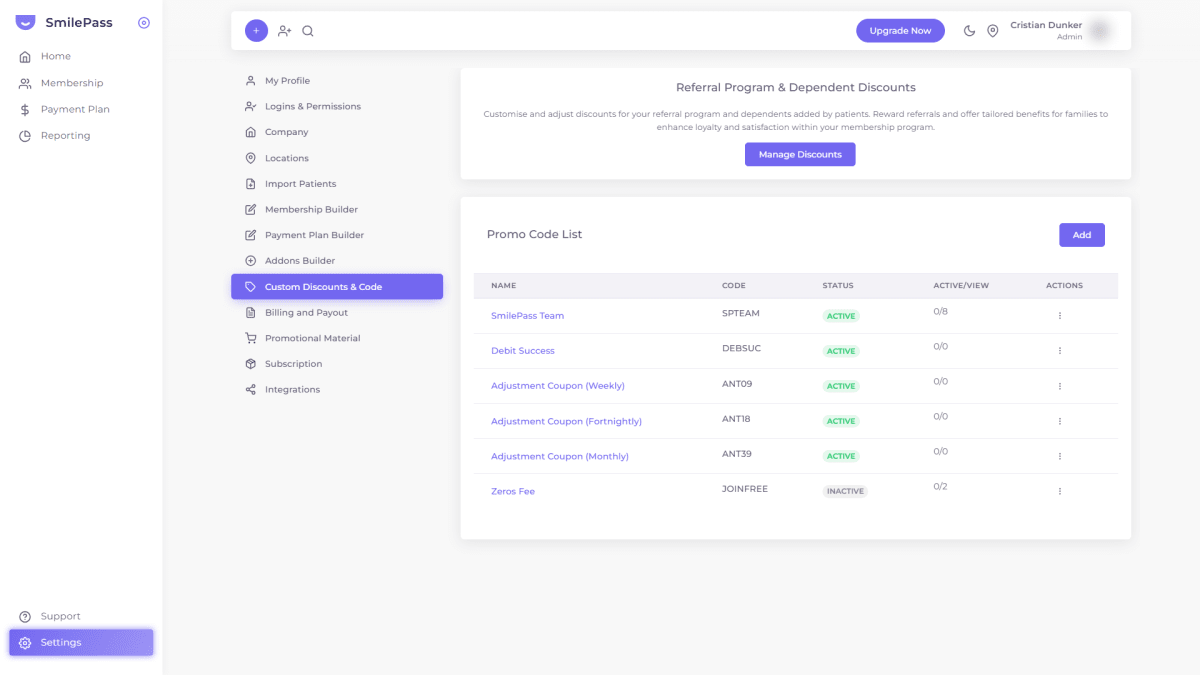
Manage the discounts. Under "Referral Program & Dependent Discounts", click Manage Discounts.
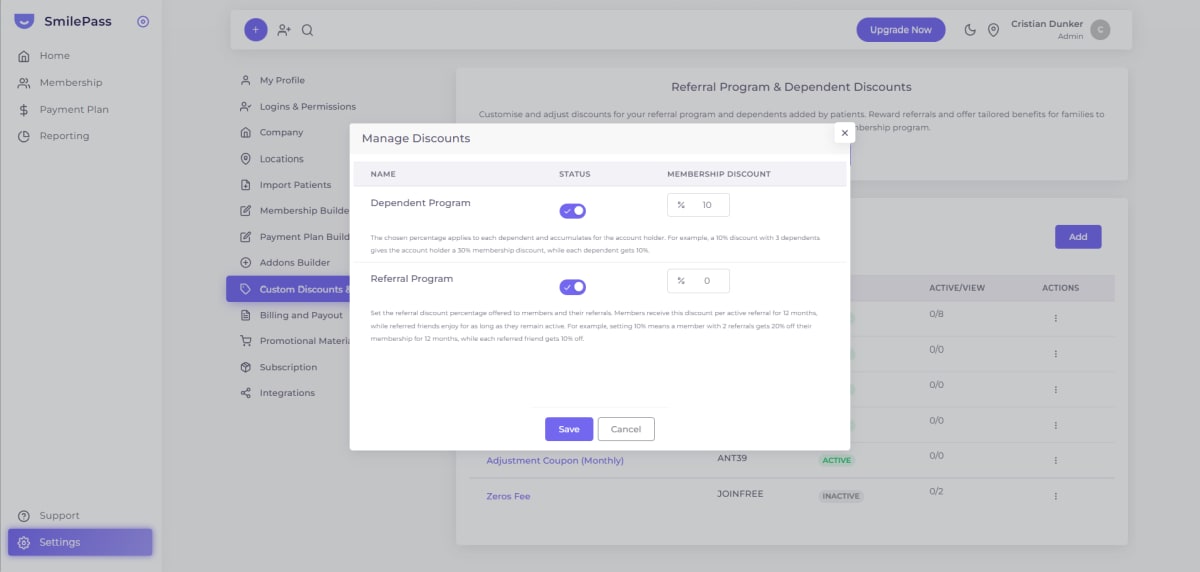
Set the dependent discount. Choose the per-head reduction applied when a patient adds a family member or dependent to their plan.
Save the discount settings.
Enrol the household. Add the primary member (Membership then Add New Member), then attach dependents so the discount applies.
Bill to one payer. Keep the whole household on a single payment, and review it all from the Patient list.
Tips and common mistakes
Bill to one payer. Keeping the household on one payment keeps your admin simple.
Plan for kids growing up. Decide what happens when a dependent child becomes an adult.
Keep the discount sustainable. A per-head discount adds up across a family — set it from your costs.
Use it to lift retention. A whole family on one plan is far less likely to leave.
Frequently asked questions
Where do I set up family and dependent discounts in SmilePass?
Settings then Custom Discounts & Code, then Manage Discounts under Referral Program & Dependent Discounts.
How do I add a dependent to a plan?
Enrol the primary member, then attach dependents so the household discount applies; bill the household to one payer.
How does the member discount actually work?
Through two price lists — standard and member. Members are billed from the member list; the difference is the discount, and you set the percentage.
Written by Cristian Dunker, BDS, dentist (oral rehabilitation), with MBAs in Marketing (Sociesc-Brazil), Project Management (FGV-Brazil) and Finance (Bond - QLD).