
Track 1 · Getting started
Connecting Stripe & payouts
The bank-connection step that activates a location and routes patient payments to your account.
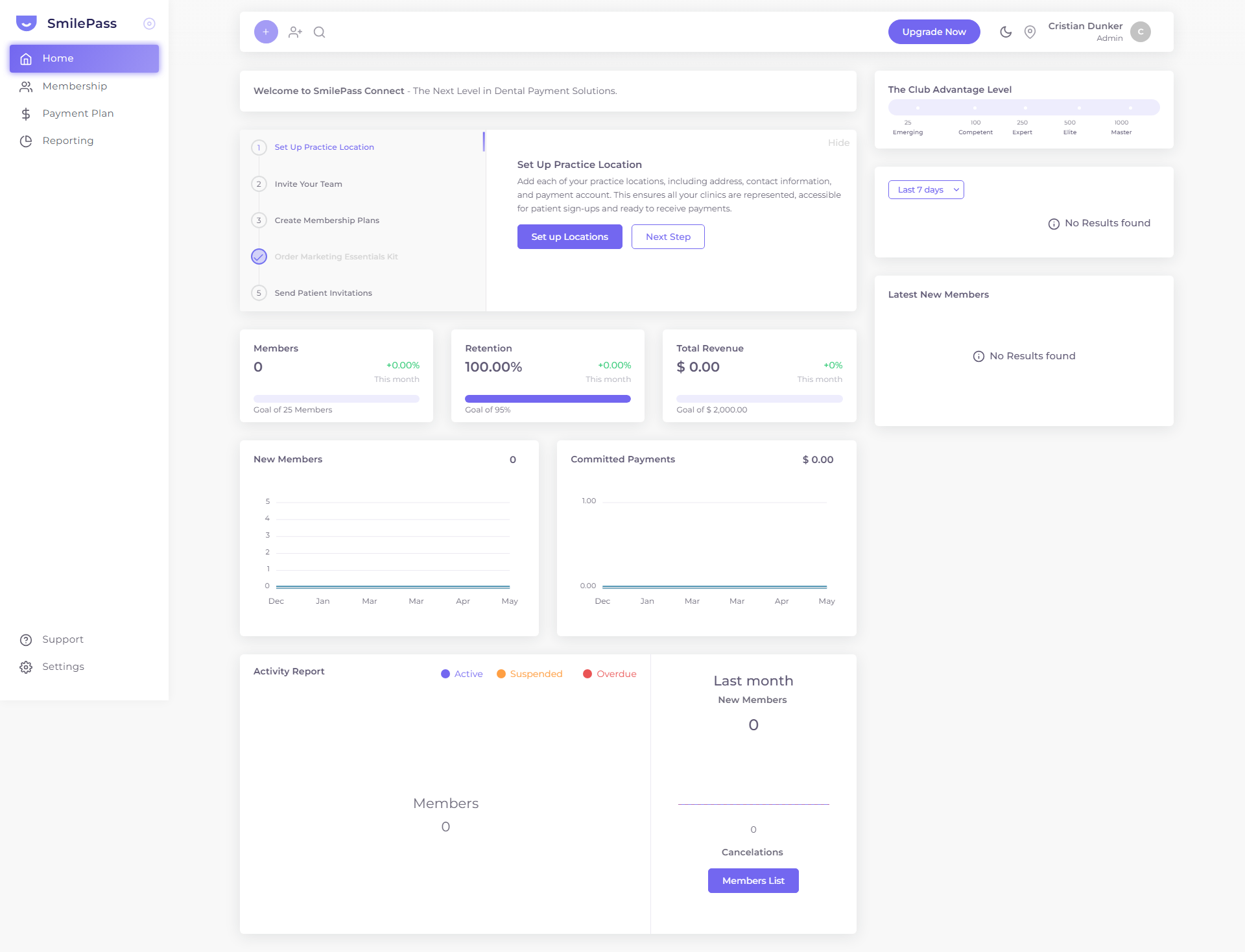
Step 1 of 5
Your setup starts here
When you first sign in, your dashboard shows a setup checklist. The first task is to add a practice location. Click Set up Locations to begin.
Click the highlighted area or Next to continue · use ← → keys
A new location starts as PENDING and can't accept sign-ups or take payments until you connect a bank account for payouts. SmilePass uses Stripe as its payment partner for this.
Why this step exists
Patient payments don't sit in a SmilePass wallet — they flow into your clinic's own bank account. Stripe is the rails that make that happen, so connecting Stripe is what turns a location "on".
How to connect
- Create or edit the location and Create it.
- Use the Activate Now? popup that appears right after creating — or any time from the Locations list via Actions (⋮) → Activate.
- You're redirected to Stripe. Follow Stripe's prompts to create/verify your account and link your bank. (You do this on Stripe's secure site, not inside SmilePass.)
- Once Stripe approves you, you're returned to SmilePass and the location flips PENDING → Active.
What this enables
- The location can now accept patient sign-ups and process payments.
- Membership fees, join fees and payment-plan instalments settle into your nominated bank account.
- SmilePass's own charges to you (subscription + transaction fees) are billed separately — see billing & payouts.
Multi-location practices
Each location connects its own payout account, so a group can route each clinic's revenue to the right bank account. Repeat the activation for every location.
If a location won't activate
- Make sure every required location field is filled (Phone, ABN, Time Zone, Type of legal entity are easy to miss).
- Finish the Stripe verification — it can ask for ID or business documents before approving.
Next step
How SmilePass works →
The core model — clinics, locations, memberships, payment plans and contracts — and what patients can and can't do.