
Track 3 · Building your plans
Payment plans — instalment financing
Multi-instalment financing for specific treatment costs.
Step 1 of 3
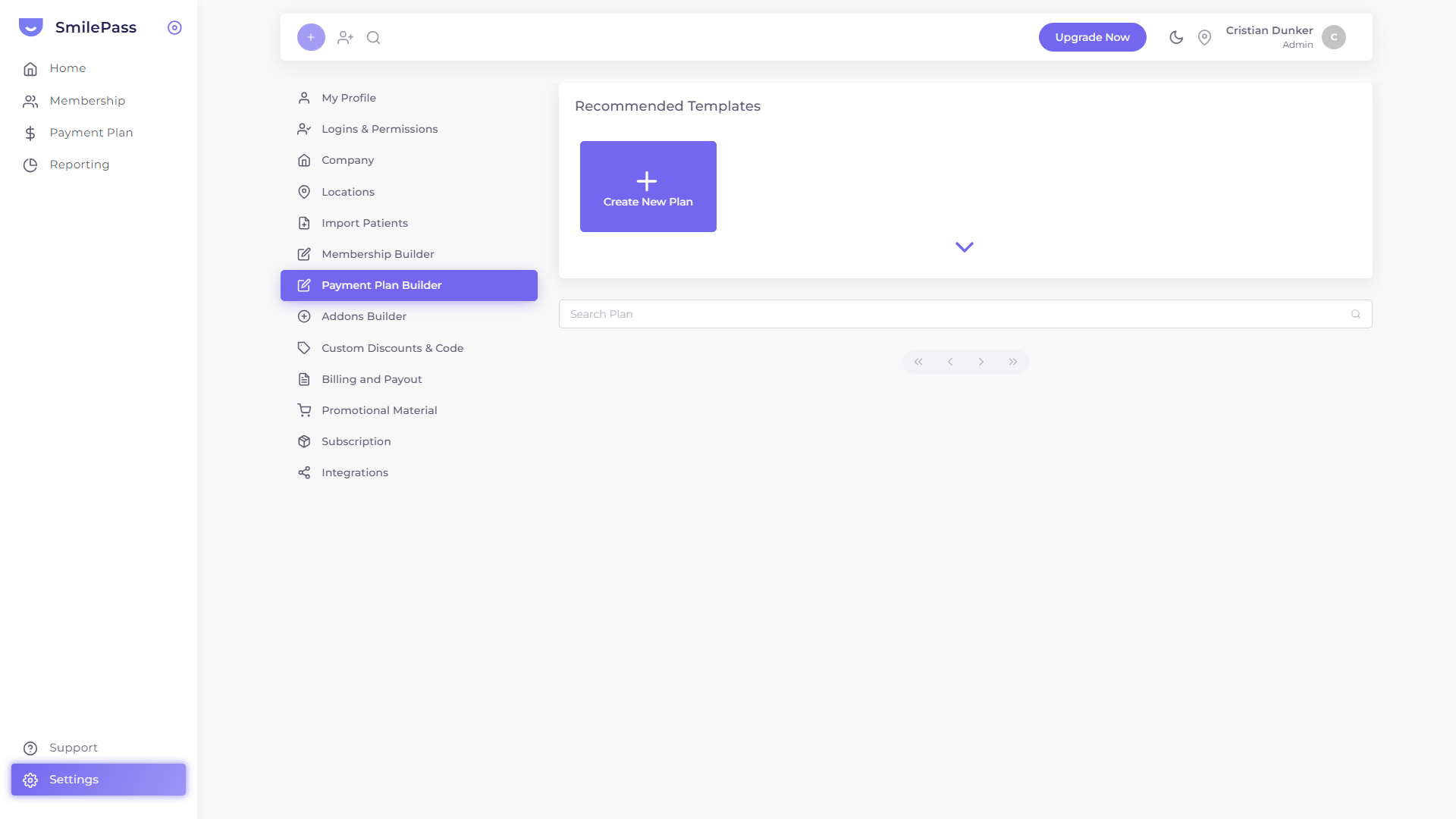
Open the Payment Plan Builder
In Settings → Payment Plan Builder, click Create New Plan.
Click the highlighted area or Next to continue · use ← → keys
A payment plan lets a patient spread one specific treatment cost over multiple instalments. Different from membership plans, which are open-ended subscriptions to a bundle of services. Use payment plans for one-off treatments like orthodontics, implants or major restorative work that the patient can't pay for in one hit.
Important — the clinic owns the payment plan. Your clinic is solely responsible for every payment plan it sets up. If a patient misses or fails a payment, recovering that money is the clinic's responsibility — SmilePass does not act as a debt collector and does not chase patients for unpaid instalments at this time. Keep this in mind when you decide who to offer a plan to and how much to finance.
You build payment-plan templates in Settings → Payment Plan Builder. Each template becomes a re-usable option you can apply when taking a payment for a specific patient.
The form
One panel with two columns.
Top fields
- Name — what staff see when picking a template
- Locations — which clinics offer this template
- Description — up to 200 characters; what staff need to know when picking
- Only for Members — toggle. When on, this plan is only offered to patients who already hold a membership. Useful for member-exclusive financing terms
Left column — amounts & timing
- Total Payment Amount — Minimum and Maximum the plan can cover (e.g. min $500, max $15,000)
- Instalment length (month) — press ADD + to add each duration you offer (e.g. 6, 12, 24). The patient picks one at sign-up
- Set instalment to start after — defer the first payment by N days or months. Useful for treatment-completion scenarios where you don't want billing to start until the work is finished
Right column — frequency & fees
- Payment Frequency — Weekly / Fortnightly / Monthly toggles, all on by default. Turn off anything you don't want to offer
- Amount — ADD + for each instalment amount tier the plan supports
- Setup Fee — ADD + for a one-time setup charge billed before instalments start
- Deposit — ADD + for an upfront deposit
- Admin Fee — ADD + for a recurring administration charge
The ADD + pattern lets one template carry multiple tiers — so a single "Orthodontics 12-month" plan can offer $200/mo, $250/mo, $300/mo depending on case complexity.
Save
Press Submit. The template is now available when you create a payment for a specific patient — see taking payments.
Compared to instant payments
- Instant Payment — one charge, one link. Patient pays now (or by the due date)
- Payment Plan — multiple charges spread over time, automated. Patient enters into a financing agreement
Build templates for the treatments you finance often. For a one-off custom plan, you can also use Create Personalised Payment Plan in the payment flow without pre-building a template.
Next step
Loyalty, discounts & promo codes →
Dependent discounts, referral rewards, and promo codes.